Is there a lyric app for singers?
Yes — and it’s called audioCue.
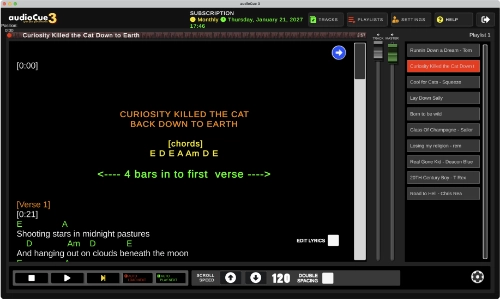
If you're a singer who performs with backing tracks or plays solo gigs, remembering every lyric in every song can be harder than it sounds. audioCue was built to solve that problem by displaying your lyrics on screen while your backing tracks play.
I built audioCue for my own gigs because I needed a simple way to run backing tracks while having a clear prompt for the lyrics and chords. If you've been using VLC player or some other audio player for sound while fingering a text document on your phone, I feel your pain. This is why I made audioCue.
You get perfectly timed lyrics playing along with your backing track, on EVERY device you have.
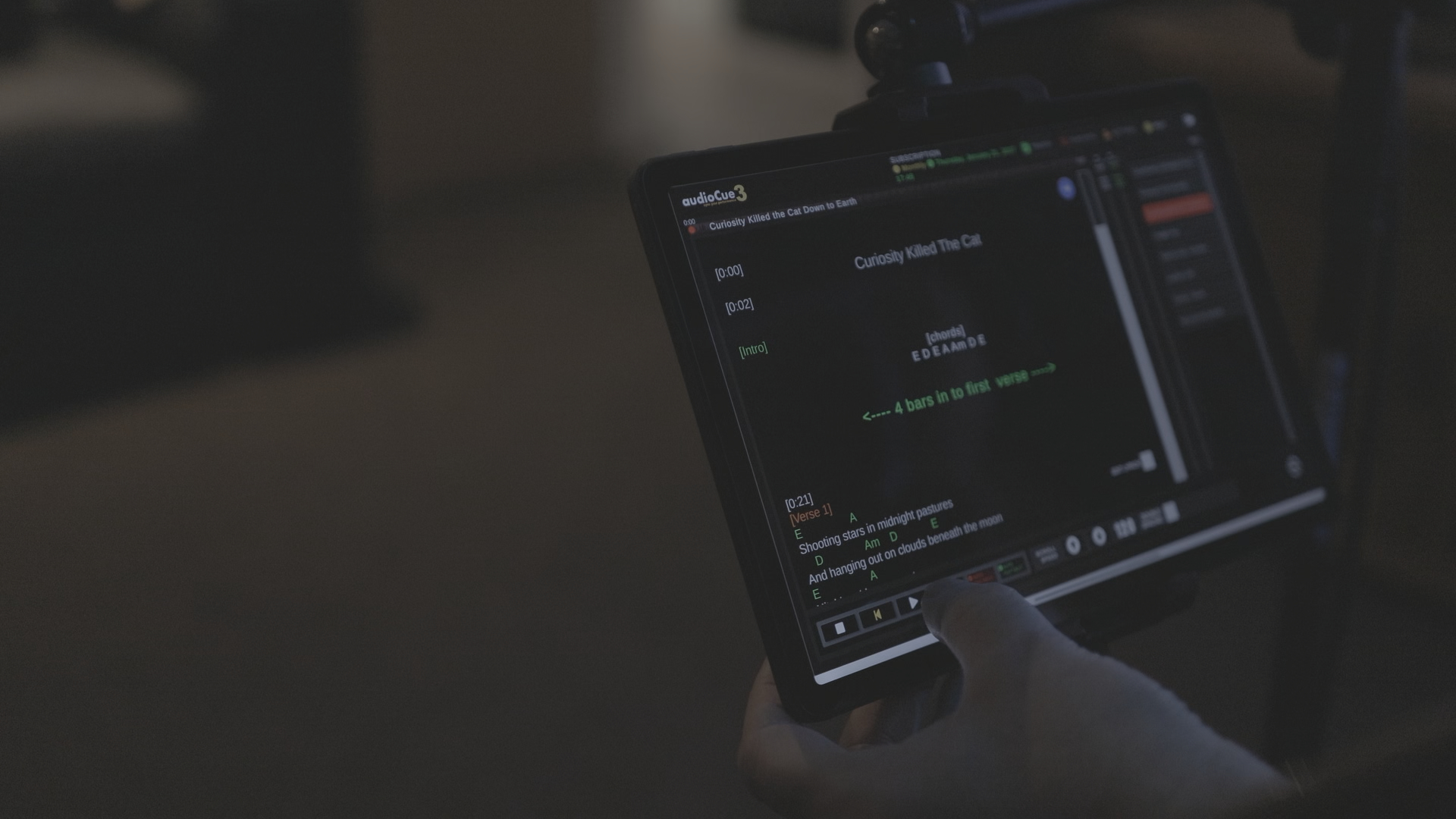
audioCue runs on Windows, Mac, Android and iPad devices, so you can use it on laptops, tablets or desktop computers. Once your songs are loaded, you can run your entire set from a single screen.
Unlimited Access
- £5 per month
- No daily limit
- Unlimited tracks
- Unlimited playlists
- Priority Support
Free
- Access for 1 hour per day
- Unlimited tracks
- Unlimited playlists
- Forum/Community support
What Makes audioCue Different from Other Lyric Apps?
Most lyric apps act like teleprompters where you manually scroll the text. audioCue works differently. Your lyrics are linked to the backing track so they move in time with the music, giving you a clear cue during rehearsals and live performances.
This makes it particularly useful for solo singers, duos and small bands who rely on backing tracks during gigs.

Key Features of audioCue
- Play backing tracks while displaying lyrics and chords
- Lyrics scroll in time with your song
- Create and organise full gig setlists
- Drag-and-drop song management
- Colour-code lyrics and cues for different sections of a song
- Edit your lyrics directly in the app
- Run lyrics with or without backing tracks
- Set list timer to calculate the length of your performance
- Search for song lyrics directly inside the app
Lyrics App Designed for Real Live Performances
audioCue was designed with real gigs in mind. When I perform at pubs or rehearsals, I run my backing tracks through a mixer while audioCue displays the lyrics on a screen in front of me. A small Bluetooth keyboard lets me control the songs without touching the laptop.
The system can also run across multiple displays, which means other musicians can see lyrics or cues if needed.
Because everything runs locally on your device, audioCue is stable and reliable during live performances — no internet connection required.
Try audioCue for Free
You can download audioCue and try it for free.
The free version allows you to create a playlist with up to five songs and use all of the core features so you can see how it works in a real rehearsal or gig setup.
Click the download link in the top menu and if you have any problems at all, you can contact me through the site here or on Facebook.